
FET timetable software: what FET does, and what you can add to it
FET is free software that generates school timetables. See what FET does, and what you can add to it: a check, printing, links, substitutions and calendars.
FET is free timetabling software for schools, high schools and universities. Liviu Lalescu and Volker Dirr develop it. It runs on Windows, macOS and GNU/Linux. You download it from its official website.
This post shows what FET does. Then it shows what you can add to FET before and after it generates the timetable.
What FET does
FET generates the timetable. You give it your data and your rules. FET then searches for a timetable that obeys all of them.
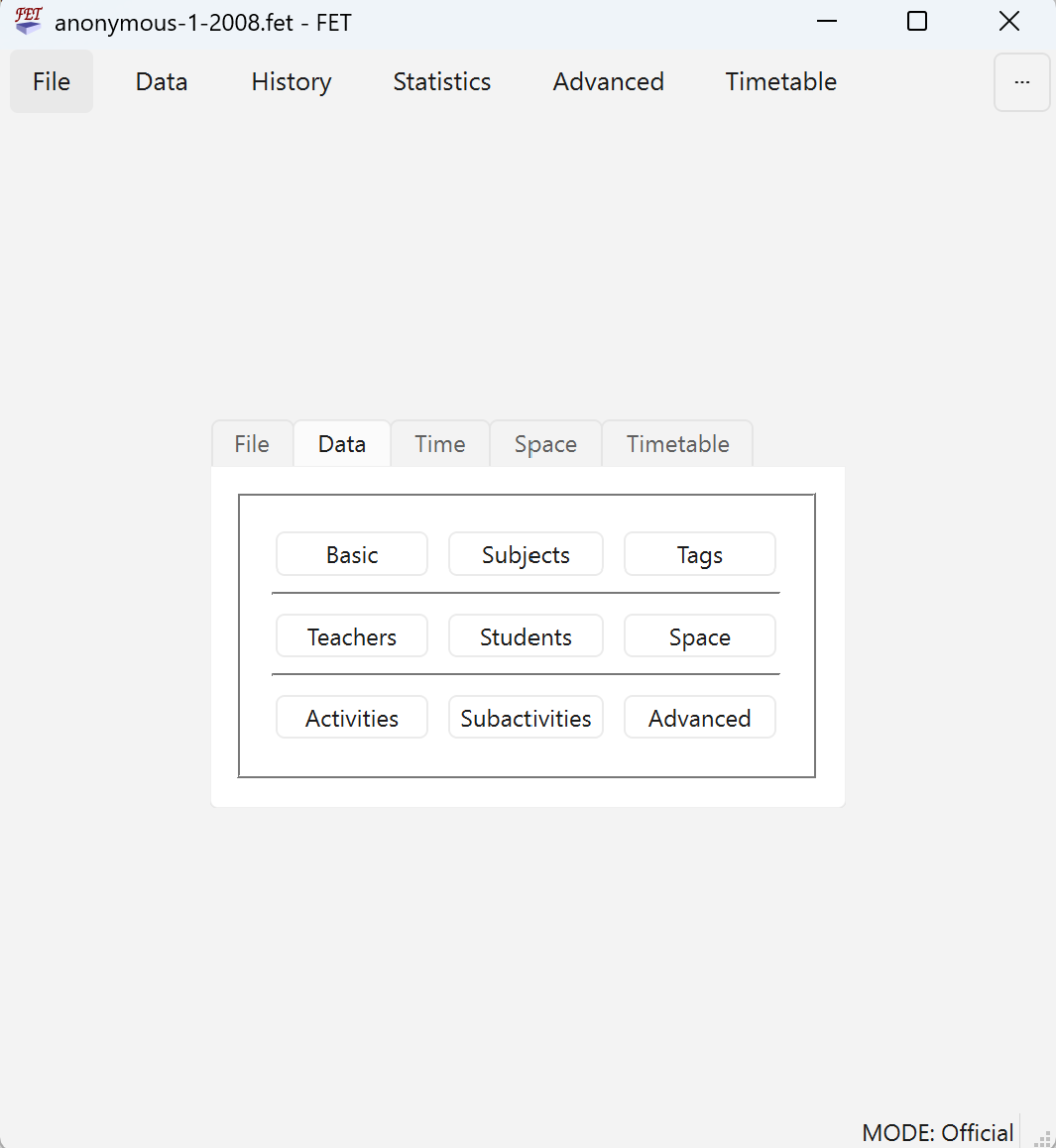
- The data. You enter the days and hours, the subjects, the teachers and the students. Then you enter the activities. An activity is one lesson: a subject, its teachers, its students and its duration.
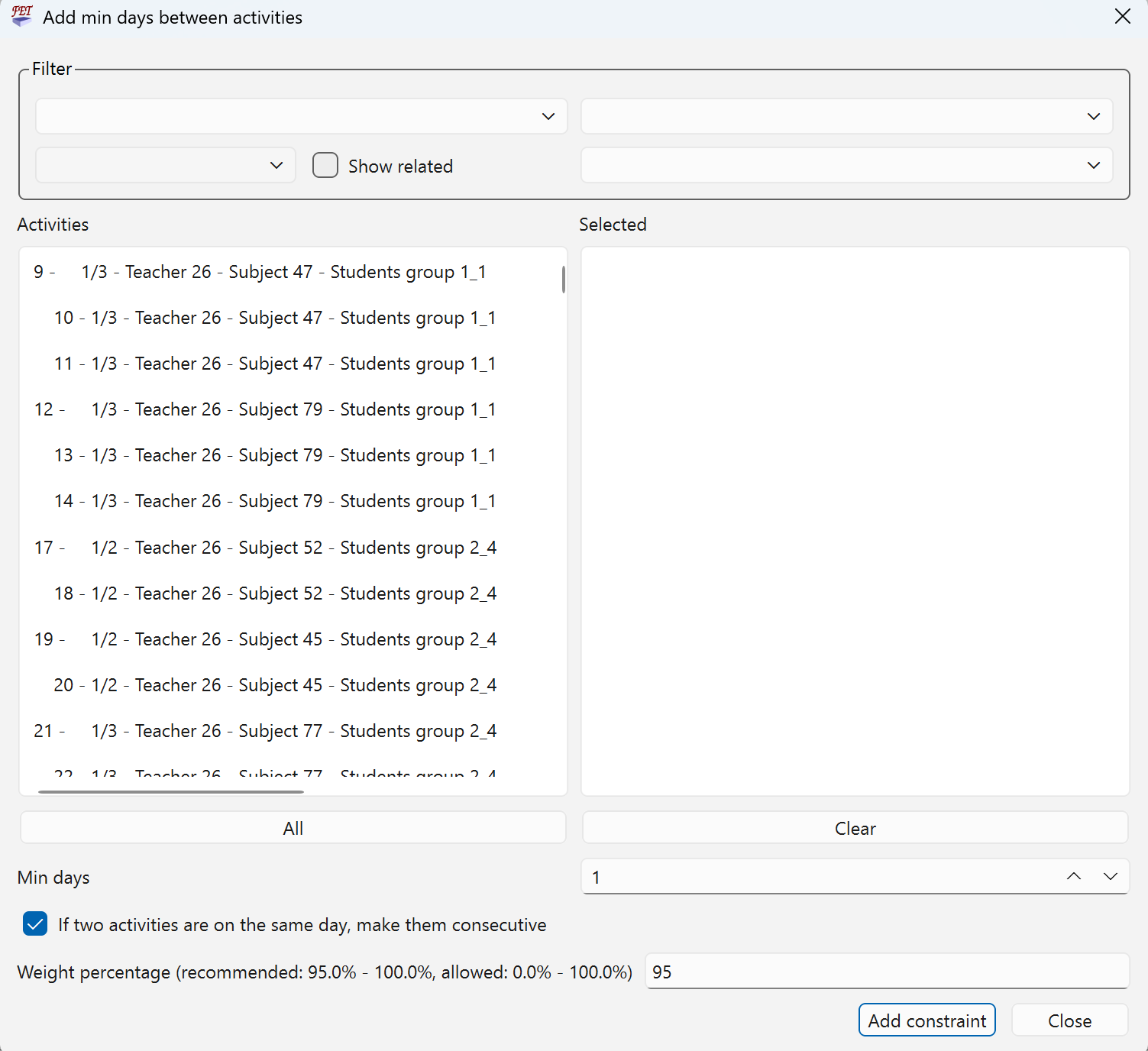
- The rules. FET has more than 300 kinds of rules, for the times and for the rooms. Each rule has a weight. A weight of 100% means that FET must obey the rule.
- The generation. FET places every activity in a day, an hour and a room. The FET website says that a complicated timetable usually takes 5 to 20 minutes. A simple timetable can take only seconds.
- The result. FET writes the timetable into a folder as web pages and CSV files, for each teacher, class, room and subject. You can also print the timetable from FET.
FET does the hardest part of the work. Nothing in this post replaces it.
What you can add to FET
FET Viewer opens the .fet file that FET saves. It adds the work that comes before and after the generation.
Before FET generates: check the rules
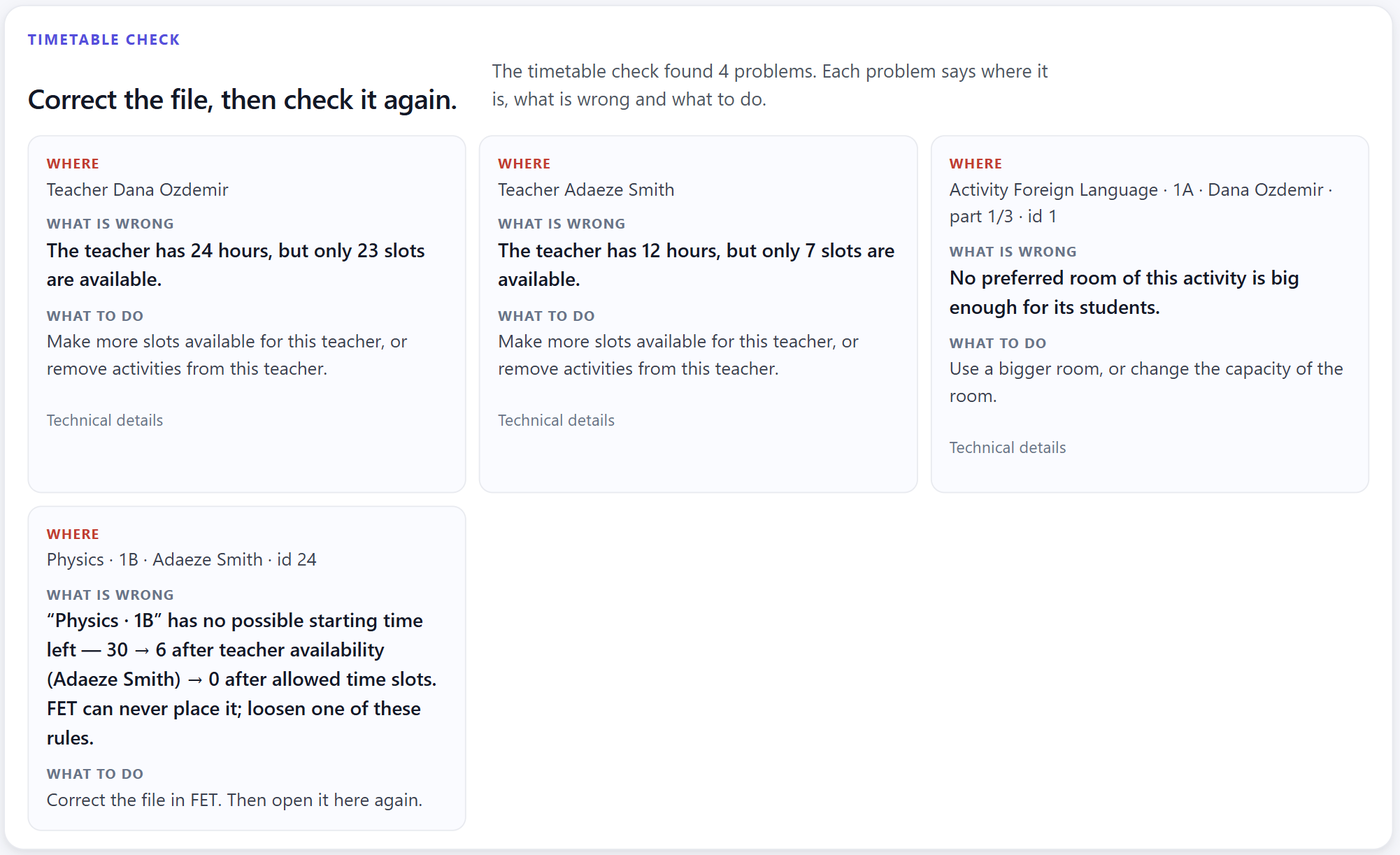
Two rules that cannot both be true make the timetable impossible. The free check page runs FET's own checks on your .fet file, with pusulaTab, and lists every problem. It needs no account.
After FET generates: print
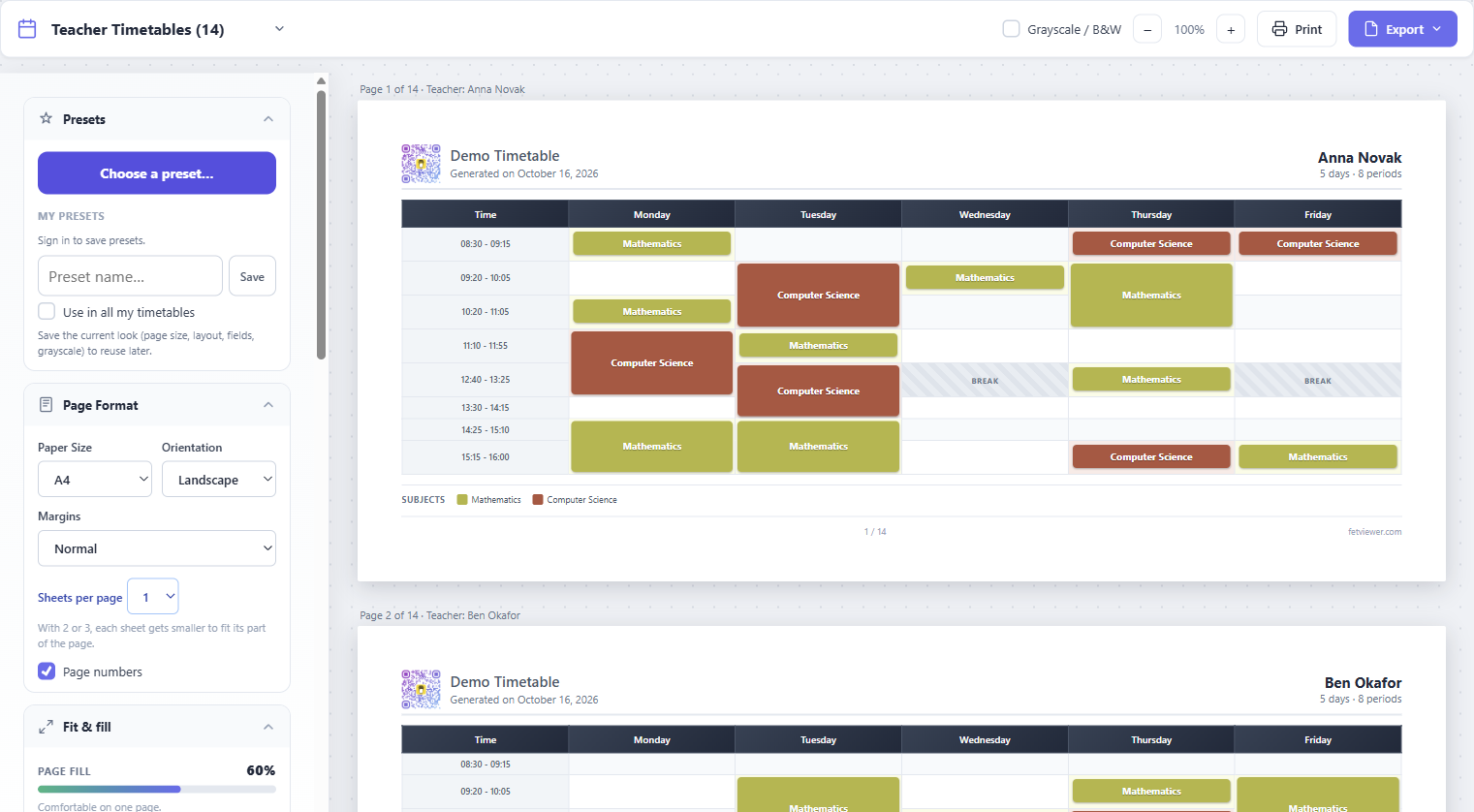
The print designer makes one sheet for each teacher, class or room. It can also put the whole school on one sheet. The preview shows the pages exactly as they print. To use less paper, put two or three sheets on one page.
Share the timetable
Send each teacher a link to their own timetable. Put the timetable on the school website and on a screen in the staff room. Teachers can also add their timetable to the calendar on their phone. A timetable viewer for FET shows each of these.
Record the changes of each day
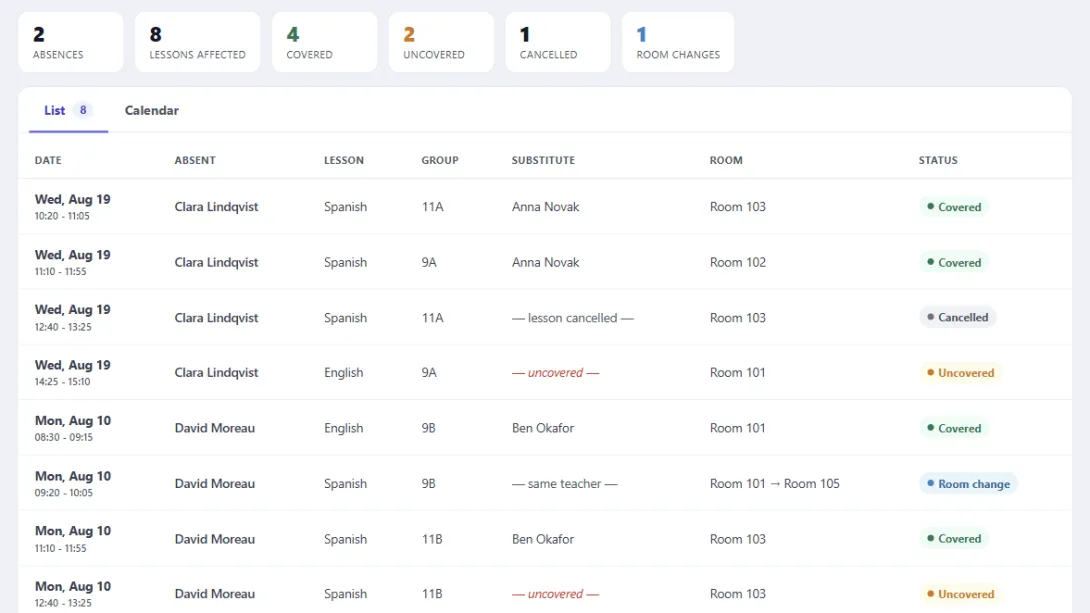
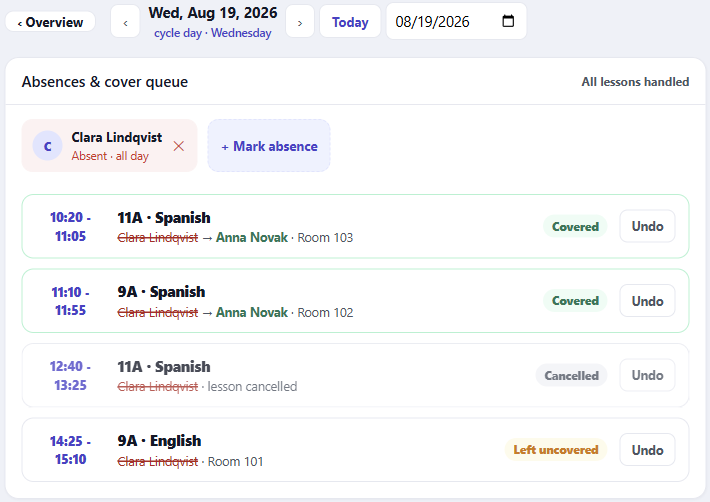
A teacher is absent, or a room is not available. Record a cover teacher, a room change or a cancellation for one date. Everyone who opens the timetable on that date sees the change. The original lesson stays visible, with a line through it. The change also goes into the teachers' calendars.
Back to FET
When the data changes a lot, select Download .fet. FET Viewer checks the file first, so that FET can open it. Then FET generates the timetable again.
FET and FET Viewer, step by step
- Enter your data and your rules in FET.
- Check the file on the free check page.
- Generate the timetable in FET.
- Import the result into FET Viewer. The file name ends in _data_and_timetable.fet.
- Print the timetable, share it, and record the changes of each day.
Try it first
The demo opens a sample school timetable. You need no account and no file.