
A timetable viewer for FET: show every teacher their own timetable
Open your FET timetable online. Give each teacher a link, put the timetable on the school website and on a screen, and keep everyone up to date.
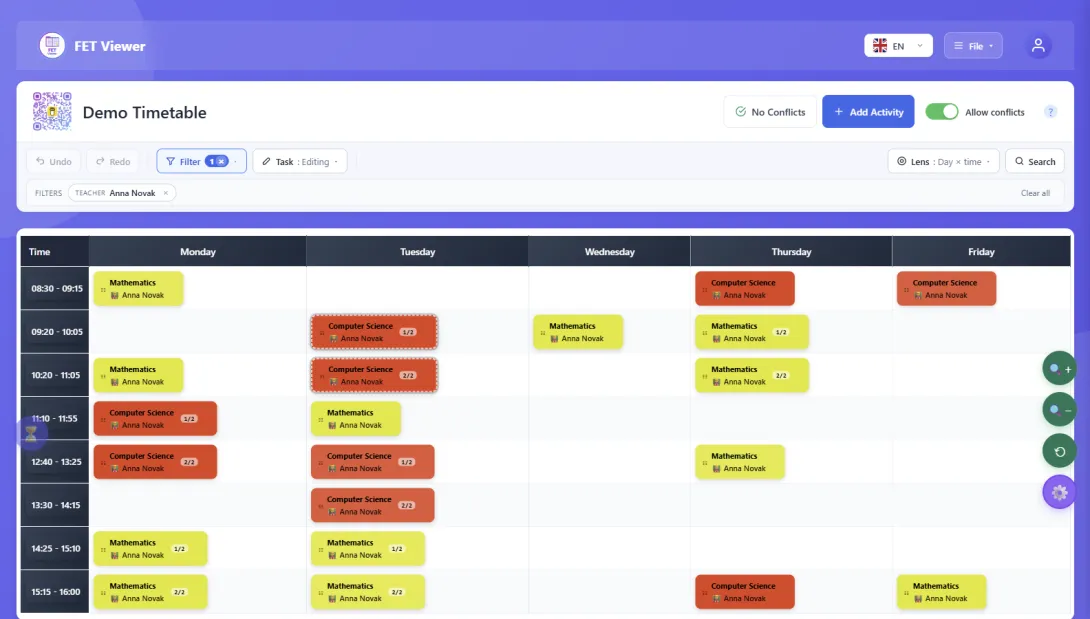
FET makes the timetable. Then everyone must see it.
FET saves the whole timetable in one .fet file. Each teacher, each class and each room needs to see its own part. A timetable viewer opens that file and shows each part on its own.
Open the .fet file
Import the .fet file on your dashboard. Then select a teacher, a student group or a room. You see that timetable for the whole week. It works in the browser, on a computer, a tablet or a phone.
One link for each teacher
A teacher does not need an account. You send a link, and the teacher opens it.
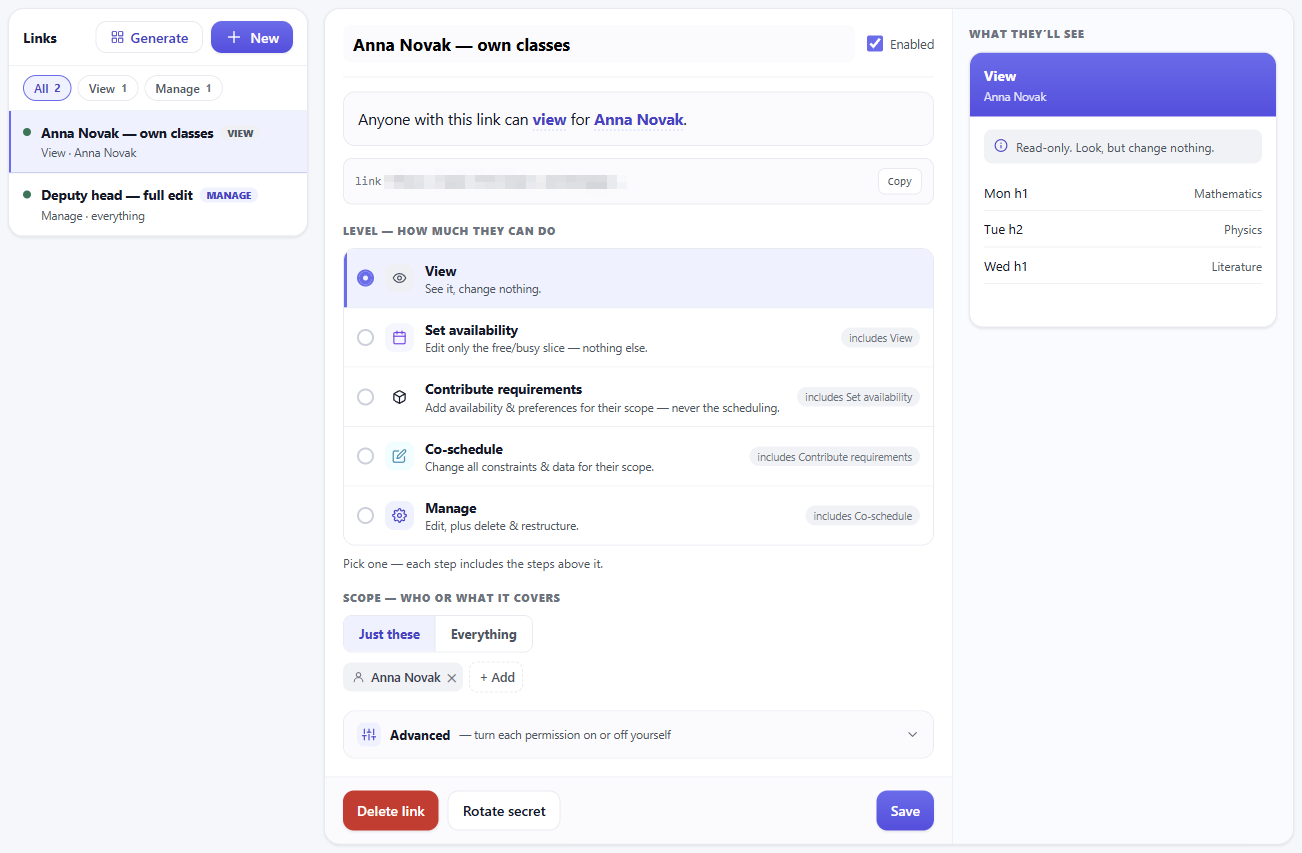
- A public link is read-only, and every plan has it. Use it for parents or for a notice board.
- A private link shows one teacher, one class or one room. It can also let a teacher mark the times when they cannot teach. Private links are part of the paid plans.
Generate makes one link for each teacher in one step. On the Pro and Max plans, you can send the links by email from the staff directory.
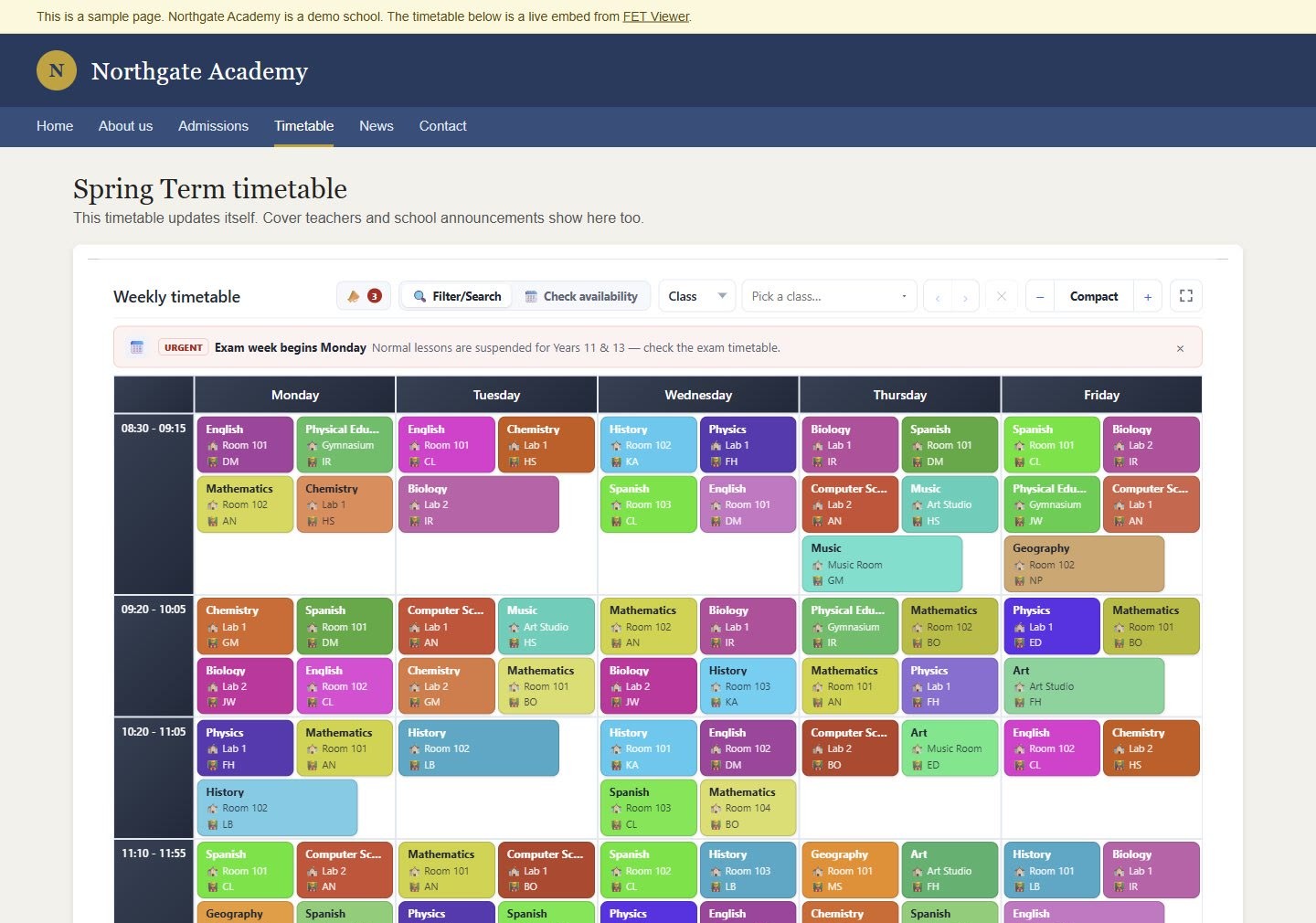
On the school website
An embed shows a live timetable inside your own web page. You choose what it shows: the whole timetable, one class, one teacher, one room or one building. A new embed stays switched off until you turn it on.
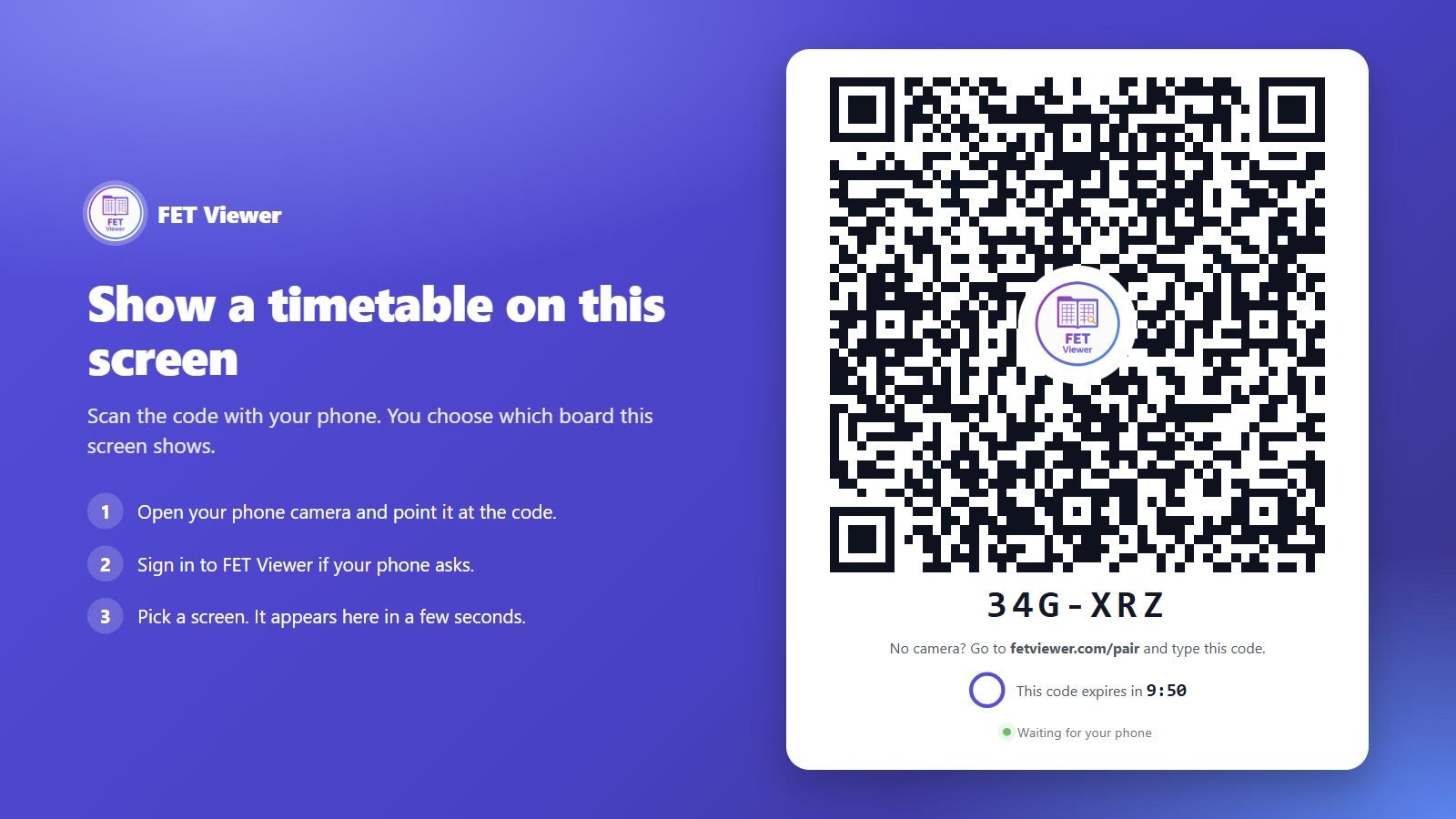
On a screen in the corridor
A screen shows the timetable on a TV or a monitor on the wall. Choose a board: the weekly grid, Now / Next, one class's day or one room. To connect a TV, open fetviewer.com/screen on it and scan the code with your phone.
In each teacher's calendar
A calendar subscription puts one teacher's timetable into the calendar on their phone. The calendar app checks for changes by itself.
When something changes
Move a lesson here, and the links, the embeds and the screens show the change. You do not send a new PDF to anybody.
A free account includes 1 embed and 1 screen. The plans page shows the links, embeds and screens of each plan.
Try it first
The demo opens a sample school timetable. You need no account and no file.