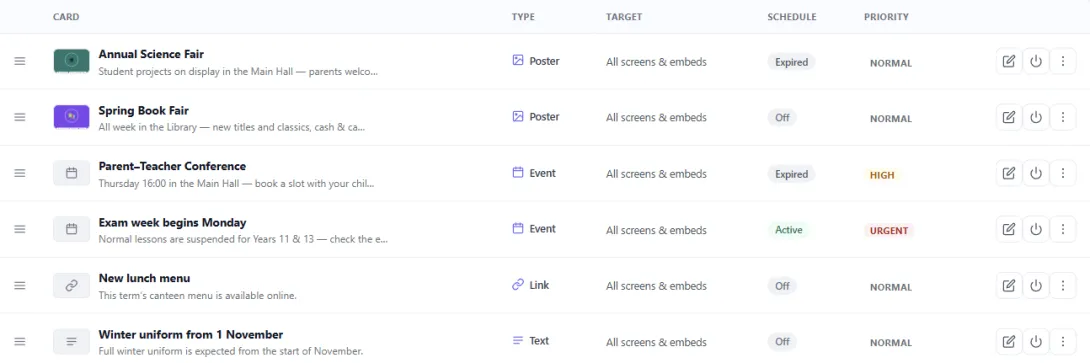
One notice, on every screen and on the website
Write a notice once. It shows on your school screens and on your timetable website, where you choose, from the start date to the end date.
Tricks, tutorials and worked examples for building timetables.
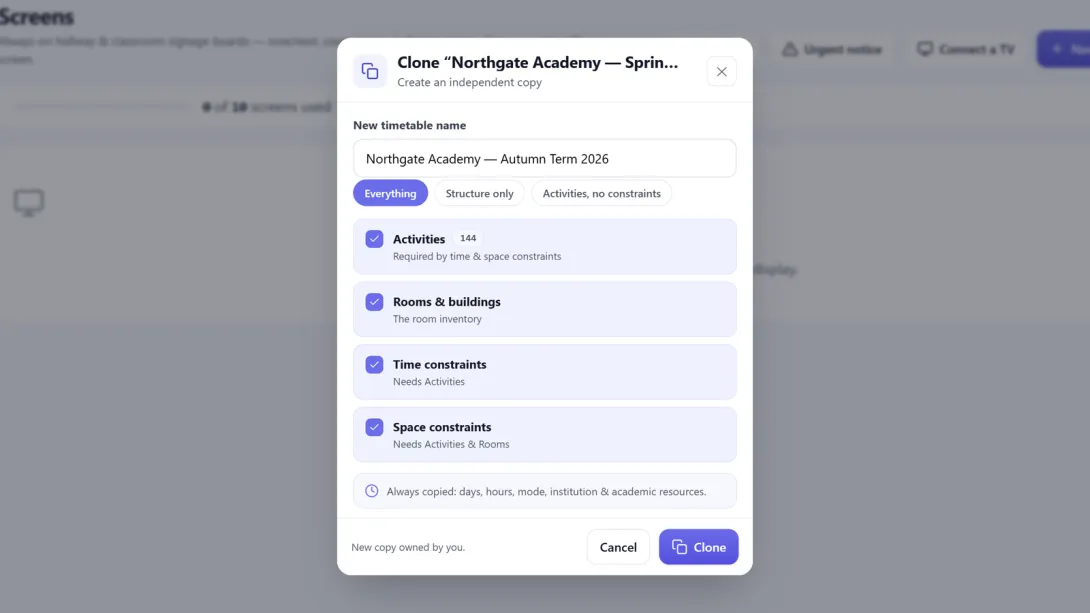 Importing from FET Next term, start from this one: clone it or merge it Clone a timetable to start a new term, or bring only the standing rules into another one. What travels, what stays behind, and how to go back.
 Write a notice once. It shows on your school screens and on your timetable website, where you choose, from the start date to the end date.
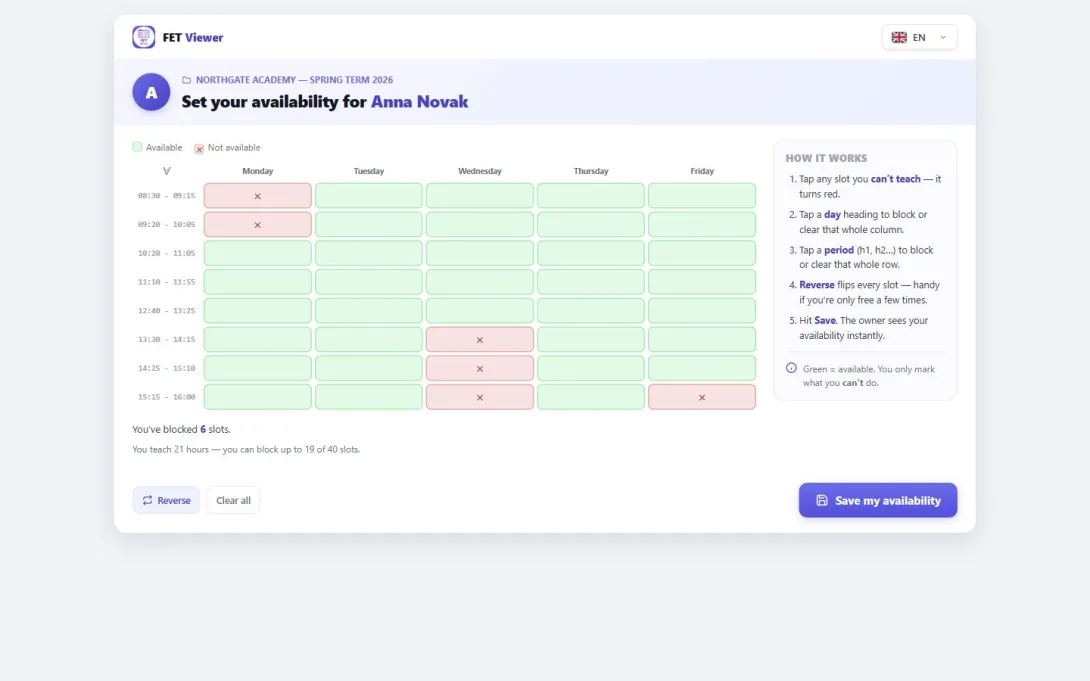
Send each teacher a private link. They tap the slots they cannot teach. The answer is saved in your timetable as a FET constraint.
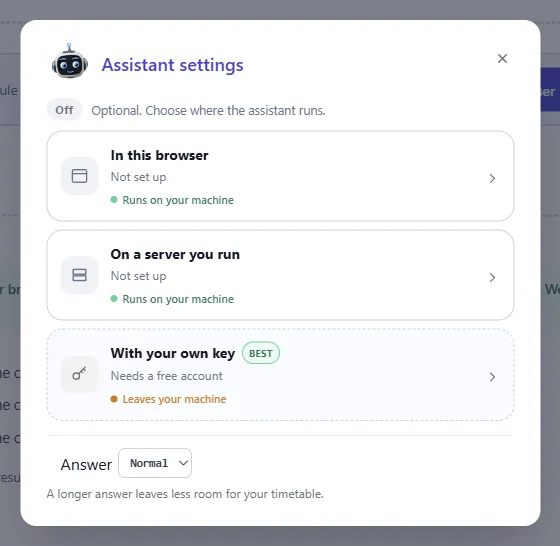
We put an AI assistant next to the FET file check. It finds the FET rule for what you describe. Here is what it does well, and where it fails.
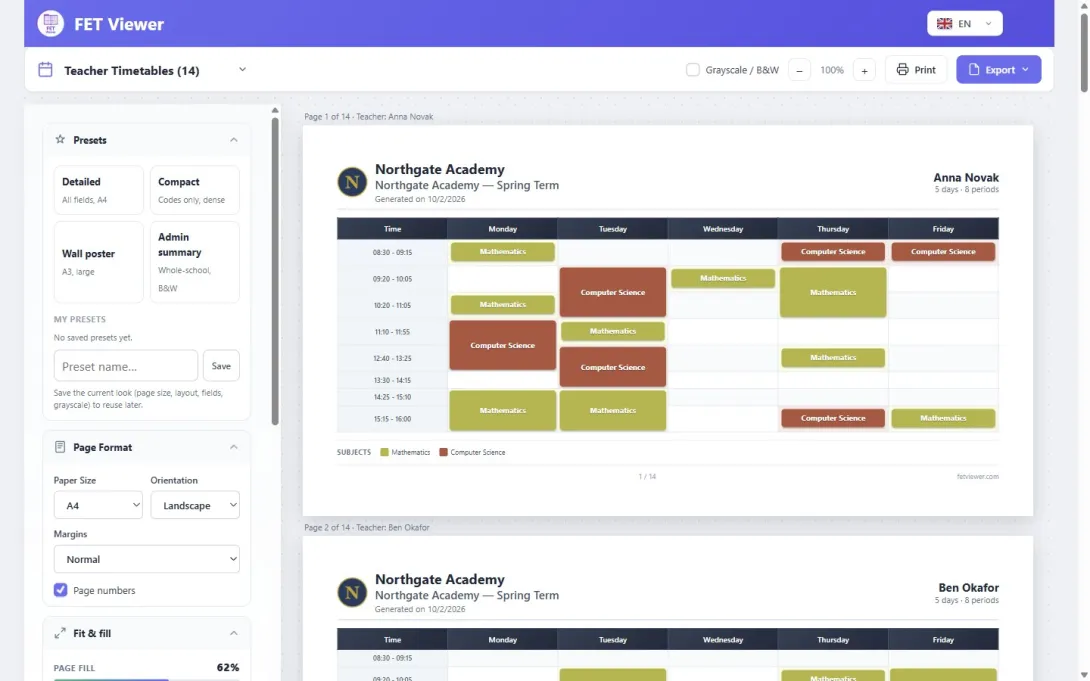
One page for each teacher, in one print. A DRAFT watermark until the timetable is final, and changes for one sheet only.
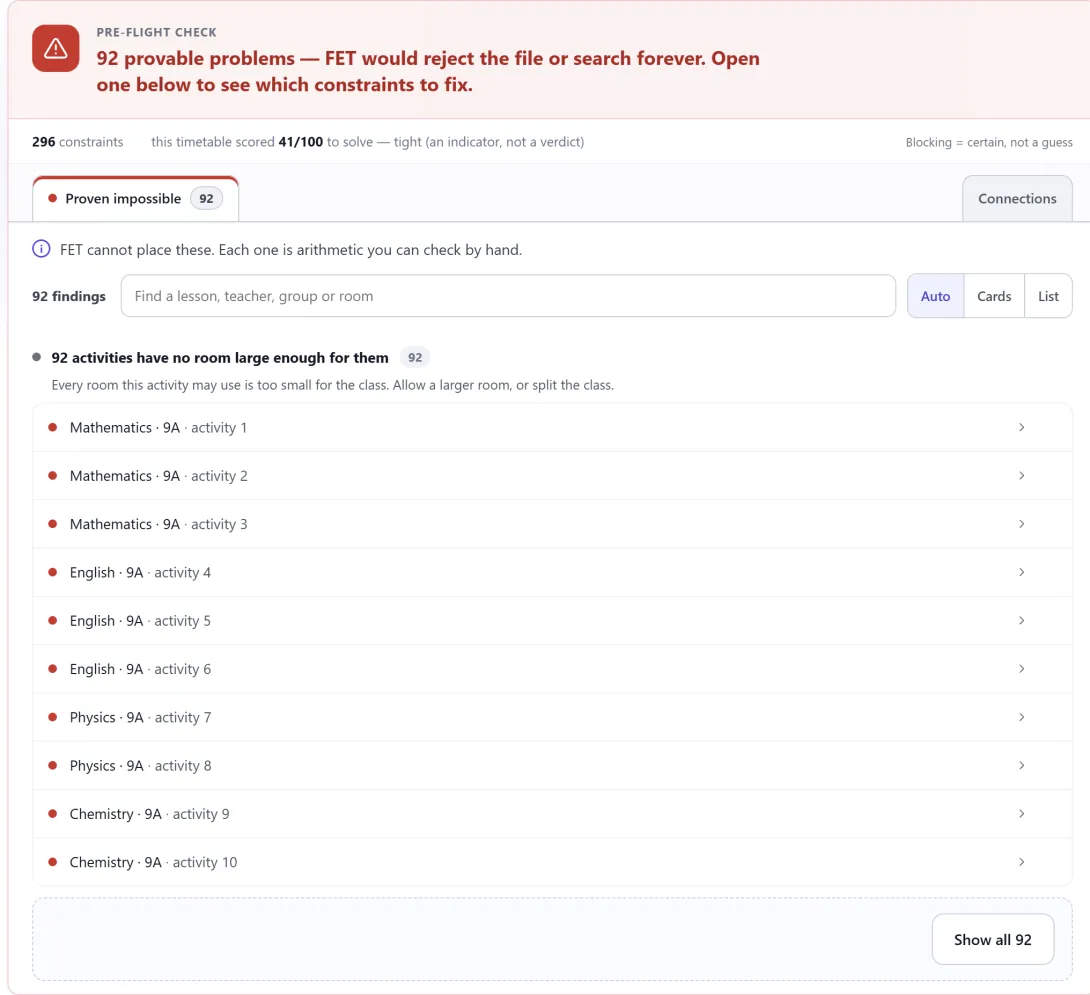
One wrong constraint can make a FET file impossible, and the search can run for hours before you know. Check the file first. It is free and takes seconds.
The vocabulary that stops new FET users in their tracks, explained with an actual school instead of a definition list.
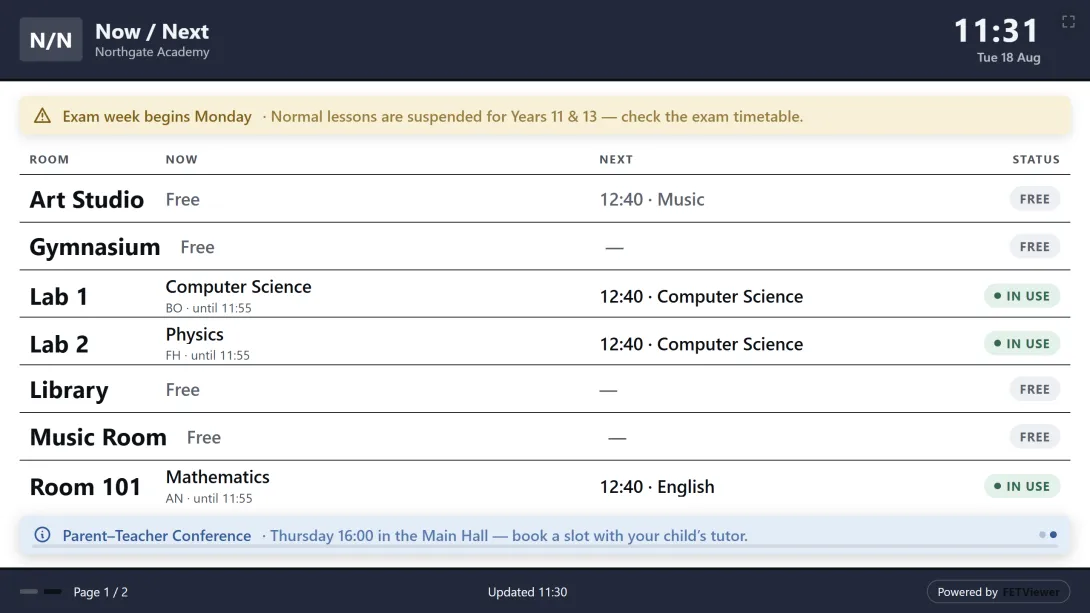
A printed timetable is wrong the day something changes. A screen is only right if nobody has to remember to update it.
Hand-editing a solved timetable is where good timetables quietly go wrong — and the damage is invisible until somebody complains.
Half your school arrives at seven and leaves at noon. The other half arrives at noon. Most timetabling tools quietly assume you are one school.