
Will it give me my file back?
Your .fet file is a term of work. Before you hand it to any tool, there is one question worth asking — and one two-minute test that answers it.
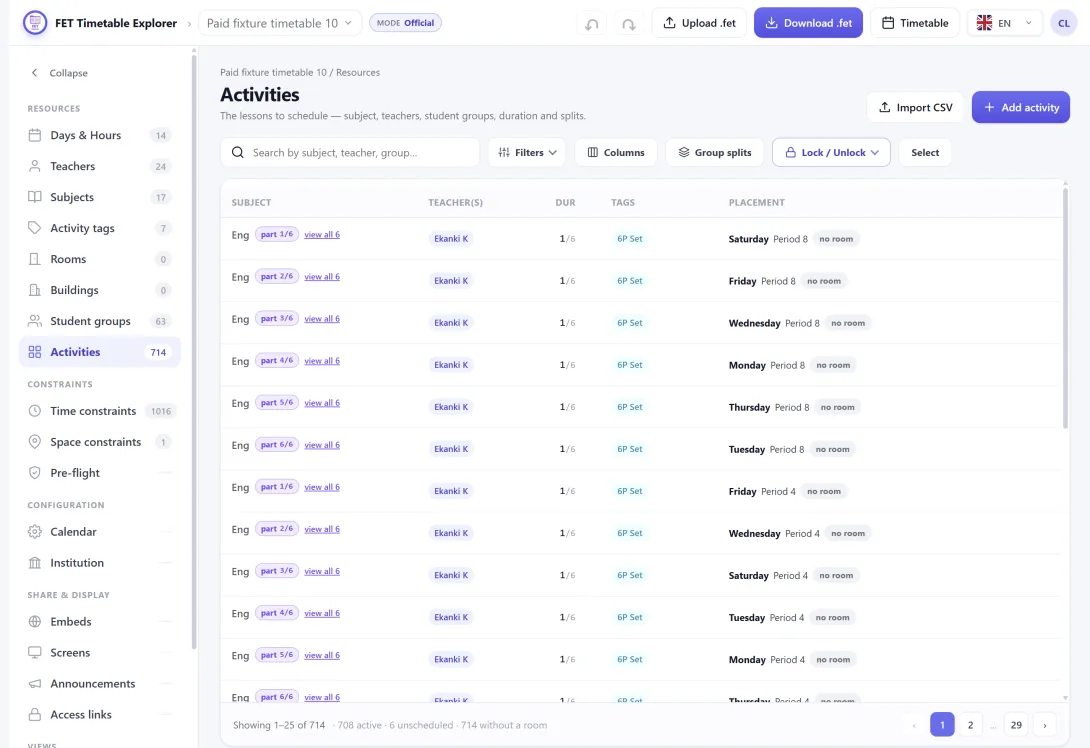
A .fet file does not look like much. A few hundred kilobytes of XML, sitting in a folder next to last year's.
But you know what went into it. The fortnight in August spent working out that the science block cannot host two practicals at once. The compromise with the head of languages that took three conversations. The eleven constraints you added one at a time, each one after something went wrong that you never want to see again.
None of that is written down anywhere else. It exists as constraints in that file, and if it is lost you do not lose a document — you lose the reasoning, and you find out in September when the timetable stops making sense.
So when a web tool offers to open it, the question is not whether the tool is useful. It is: will it give me my file back?
Why the answer is usually "not quite"
Most tools that read a .fet do it the obvious way. Someone works through the format, writes code for the parts they need — teachers, subjects, rooms, activities, the common constraints — and ships.
That works, and it fails quietly. FET has a large constraint vocabulary and it grows with each release. Anything the tool's author did not implement is simply not read, and when the file is written back out, what was never read is not written. The file still opens. It is still valid. It is just missing the three constraints you cared about most, and nothing anywhere said so.
That is the failure worth designing against, because it is invisible at exactly the moment you would want to catch it.
What we do instead
FET Explorer does not try to understand every constraint. It tries not to need to.
When a file is read, every constraint in it is stored by its own name, with its own contents kept as-is — whether or not this application has any idea what that constraint means. When you download, each one is written back out under the same name, with the same contents, in the same order.
There is no list of supported constraint types, because there is nothing to support. A constraint type introduced in a FET release we have never heard of travels through untouched, for the same reason a word you do not know survives being copied out by hand.
In the timetables sitting in our own corpus today, that is 2,987 constraints across 20 different types, round-tripping without any of them being special cases in the export code.
Weights come back as weights. A constraint set to 80% is still 80% — not rounded, not re-derived, not promoted to "on". An inactive constraint comes back inactive. Your comments come back.
The file is checked before you get it
There is one thing we will interrupt for.
A .fet that FET refuses to open is worse than no file at all: you find out at the far end, with no clue which of several thousand records is at fault. So the file is built and inspected before it is handed over.
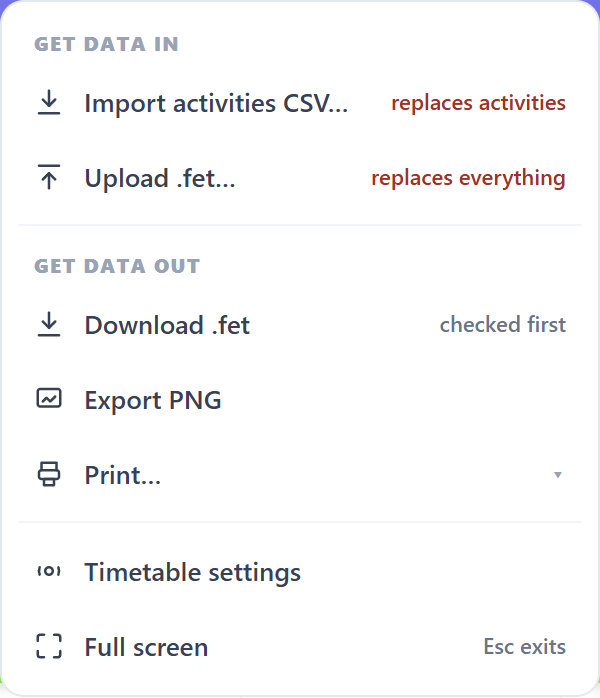
If something genuinely required is missing — an activity with no subject, a lesson pointing at a teacher who is not in the teacher list — you get told, with the actual records named. Things that can be safely defaulted are defaulted and never become your problem.
If the file is valid but looks thin, you get a heads-up and a Download anyway button. That is advice, not a gate.
And if the check itself fails to run, the download simply proceeds. A check that produced no opinion is not a reason to stand between you and your own file.
Do not take our word for it — take two minutes
This is the part worth actually doing, because it costs almost nothing and it settles the question permanently.
- Upload your
.fetfile. - Download it again straight away, before changing anything.
- Compare the two files.
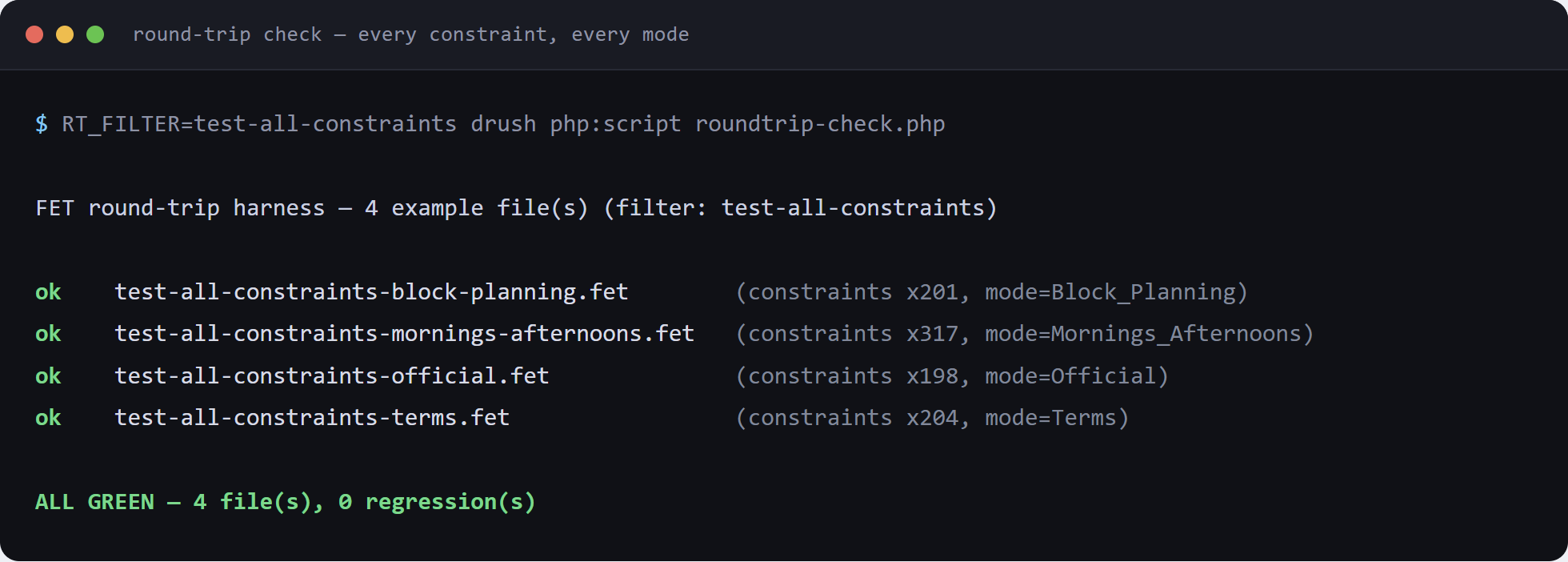
They should differ in formatting — indentation, attribute spacing, the order of a few optional fields — and in nothing else. Same activities, same constraints, same weights, same comments.
If the two files differ in substance, that is a bug and we want to hear about it. Not something to work around, and not something you should discover in September.
One honest exception
If your timetable was built from spreadsheets rather than from a .fet, there is a wrinkle worth knowing. CSV rows carry no FET activity identifiers, and placement constraints need stable ids to point at individual lessons.
Rather than refusing, we assign those identifiers while building the file — and store them, so they do not change. A second download matches the first. You can build a timetable from spreadsheets and still get a coherent .fet out the other side.
What this is not
FET Explorer does not generate timetables. It does not optimise, re-solve, or improve on what FET produced. FET does the hard part; this reads, presents, shares and edits the result.
Which is exactly why the round trip matters. A tool that only shows you a timetable can afford to understand half the file. A tool you might edit in has to give the whole thing back.