
Your timetable is finished. Now forty teachers need to see it.
Generating the timetable is the part everyone plans for. Publishing it is the part that quietly costs you the rest of the term.
The solver finishes. The constraints are satisfied. You save the .fet, and for about ten minutes it feels done.
Then the actual work starts, and it is not timetabling. It is distribution.
Forty teachers need their own week. The office needs a master copy. Reception wants to know which room a visiting parent should be sent to. Someone asks for it on the school website. And none of these people have FET, will install FET, or should have to.
So it becomes PDFs. One per teacher if you are conscientious, one big one if you are not. Printed, emailed, pinned up. And that is fine — until Thursday, when a room changes.
Now there are forty wrong copies in the building and no way to recall them.
The real problem is not the file. It is the copies.
Every export you send is a fork. The moment it leaves your hands it stops tracking reality, and it keeps being consulted anyway. The teacher with the printout on their desk is not being careless; they have no way to know it went stale.
Which means the useful question is not "how do I get this out of FET?" — you already can. It is "how do I publish it so there is only ever one version?"
That is the problem FET Explorer exists to solve. You upload the .fet your solver produced, and instead of exporting forty copies, you publish one timetable four ways.
A link, not an attachment
Send a link. The person opens it and sees the timetable. No account, no install, nothing to accept.
There are two kinds, and the difference matters.
A public link is read-only, always. Not read-only by default, not read-only unless someone changes a setting — it cannot be talked into being anything else. That is the link for parents, for a class group, for the noticeboard.
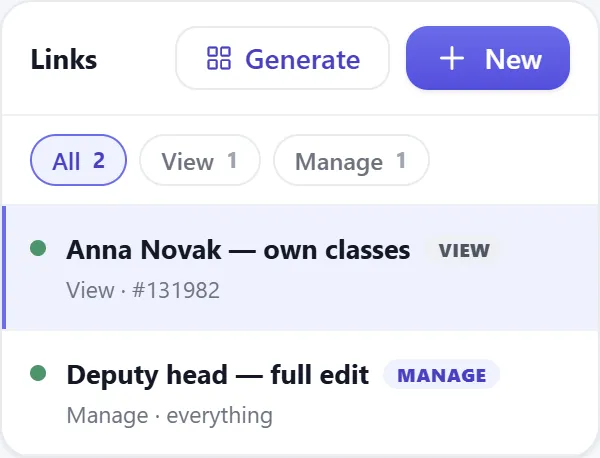
A private link carries a level and a scope. "Anyone with this link can set availability for Ángel." It is how a colleague contributes without having an account on your subscription.
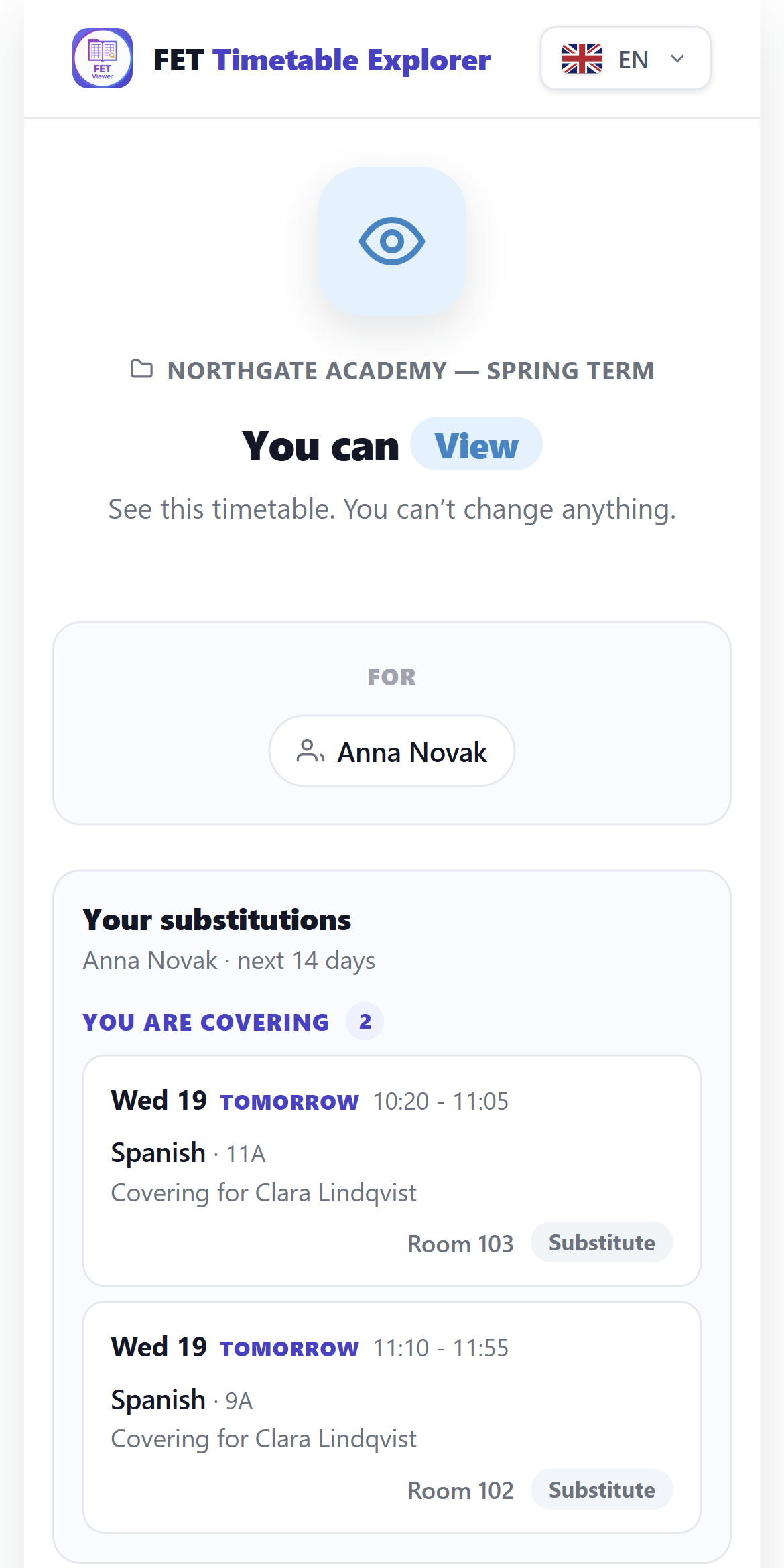
Both point at the same timetable. Change a lesson and every link is already showing the new version, because there was never a copy to update.
One thing that surprises people: paste your own share link into your browser
and you will see less than you expect. Access is resolved from the link
first and your account second — so you get exactly what the recipient gets.
That is deliberate. It is the only way to check what you actually sent.
Paper, when paper is the right answer
Sometimes it is. A wall in the staffroom, a folder for an inspection, a teacher who simply prefers it.
The print views are built for that — per teacher, per room, per student group, per activity tag — rather than being a screenshot of the screen. Printing is still a copy, and it still goes stale. The difference is that reprinting is one click, and you know where the current version lives.
The screen that is never wrong
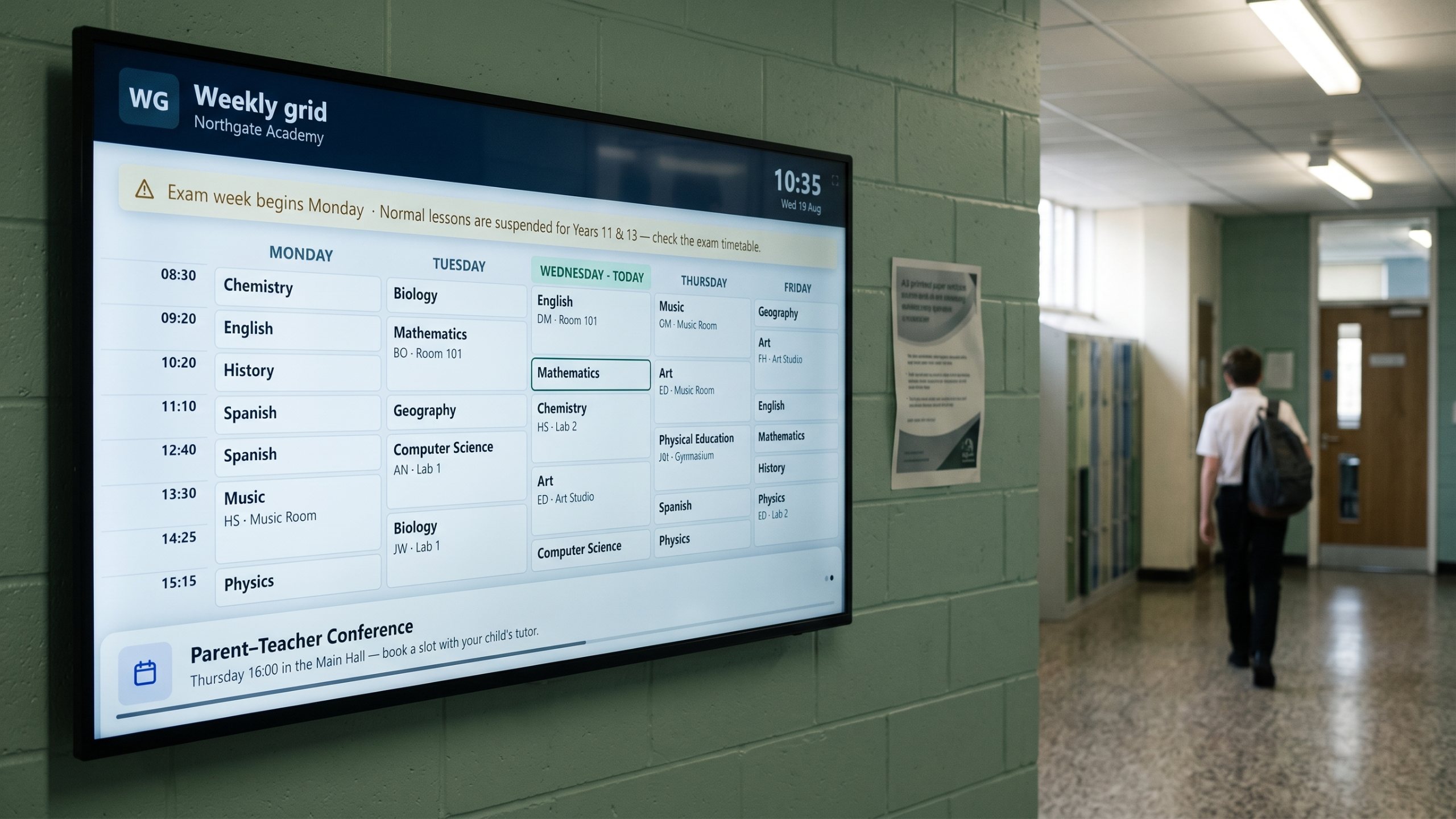
The best answer to "is this current?" is a display that cannot be out of date. Put today's timetable on a screen by the staffroom door and it refreshes itself. Nobody prints it, nobody carries it, nobody has last week's.
On the school's own website
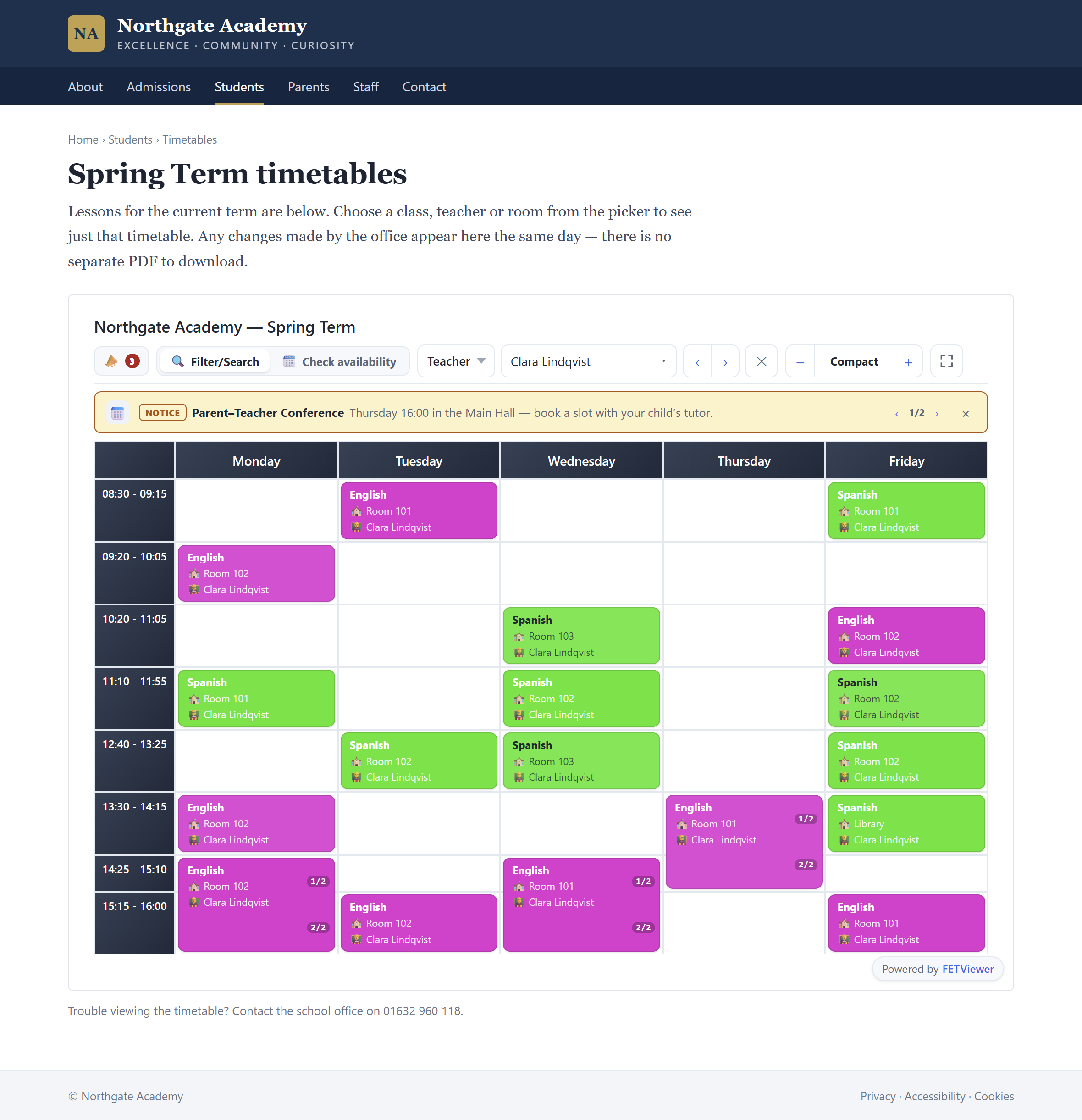
Parents look at the school site. So the timetable can be embedded there, in the school's own page, as part of the school's own design — not a link out to something that looks like a different product.
One source, four surfaces
That is the whole idea. The .fet is still the source of truth and FET is still what generates it. What changes is that publishing stops producing forks.
When a room changes on Thursday, you change it once. The links are right. The screen is right. The embed is right. The only thing that needs reprinting is the paper — and you know exactly which paper.
Forty teachers, one timetable, no recall notice.